Initial Configuration: Enable AeroEgg Technology RID Using MissionPianner and AeroEgg AGC

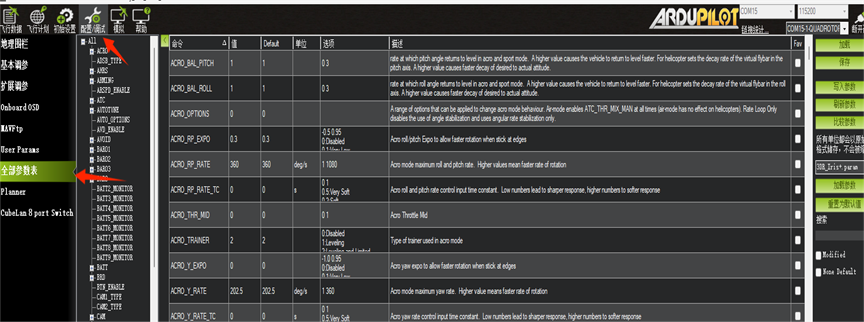
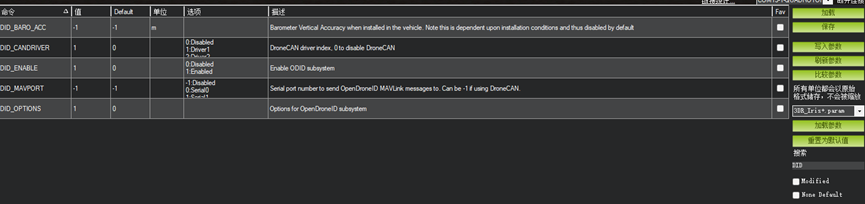

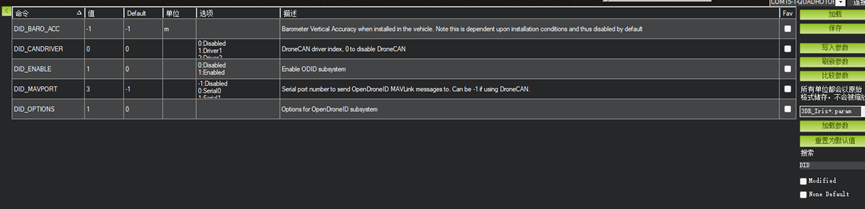
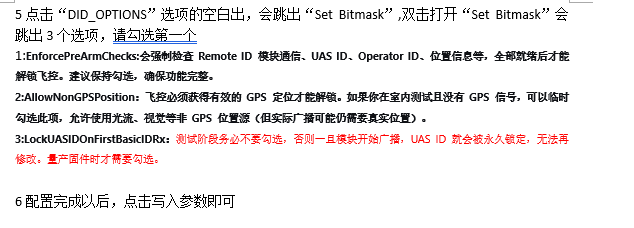
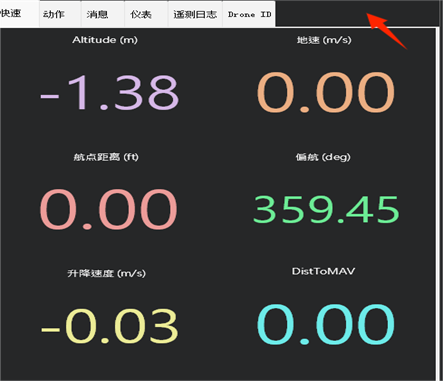
How to Use the RID Module On the “Flight Data” screen, right-click the location shown in the image, click Customize, and select tabDronID in the dialog box.
 2. On the “Drone ID” screen, the ground station represents the operator location and therefore requires GPS data. Connect a GPS through a USB-to-TTL module (USB-to-serial adapter). At position 1, select the computer port; at position 2, select the GPS communication baud rate. Click Connest Base GPS, then wait 5–10 minutes for the GPS to acquire satellites.
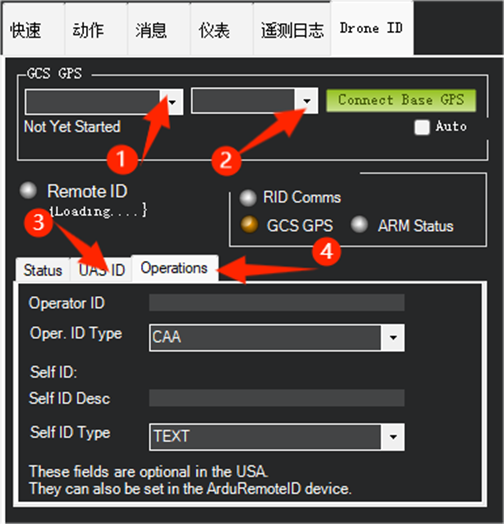
The result should match the image.
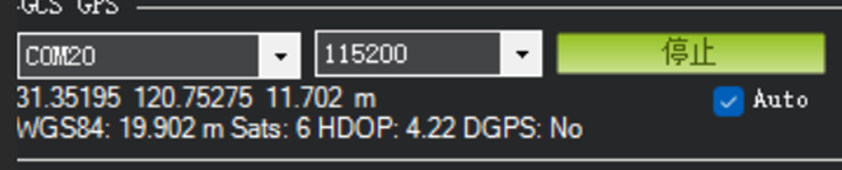
When all status indicators turn green, RID is operating successfully.
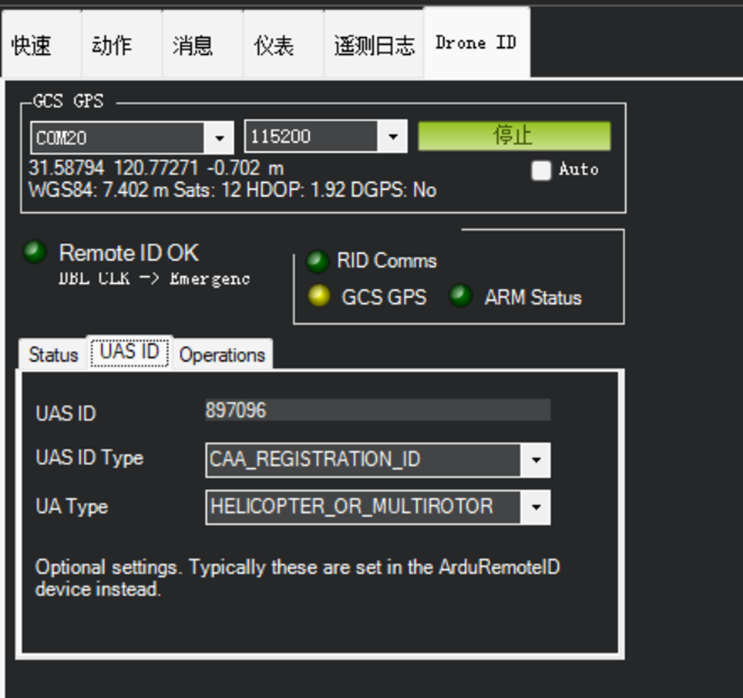 3. Finally, use UAS ID to change the flight controller ID and aircraft type as required.
Use Operator ID to change the operator ID, then press Enter after entering the value.
3. Finally, use UAS ID to change the flight controller ID and aircraft type as required.
Use Operator ID to change the operator ID, then press Enter after entering the value.
Function Verification
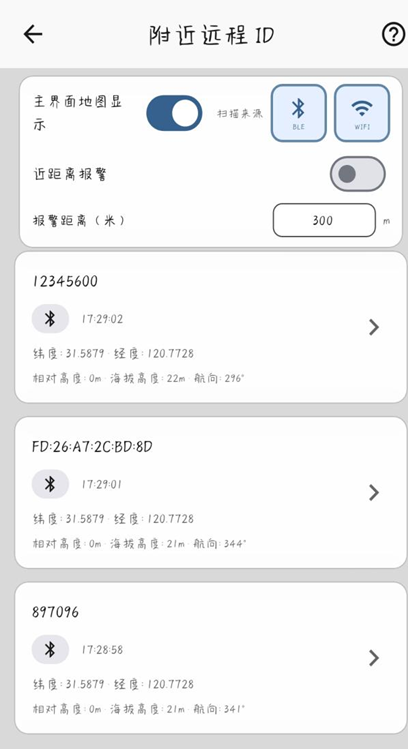
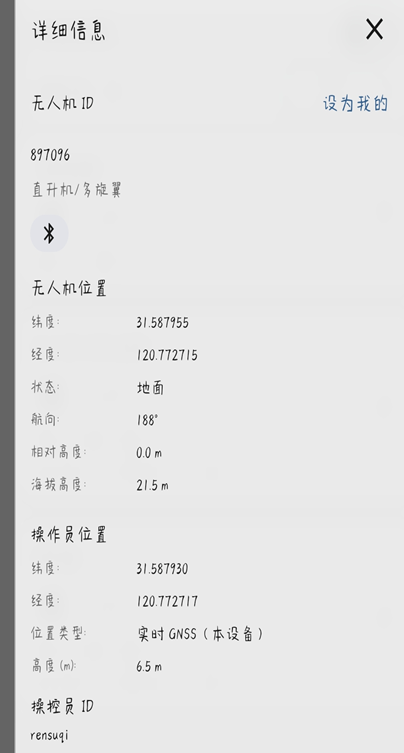
1. Search for “AeroEgg Technology Download Center” in a browser. In the AGC files, download the latest version of the AGC ground station. Open AGC, click “Nearby Remote ID,” and wait 5 minutes. Click the configured ID to view its details.