Chapter 1: VTOL Setup
VTOL Setup
3.1 Initial VTOL Configuration and Tuning
Flight Controller Settings → Quick Settings → Fixed-Wing Settings → VTOL Parameters
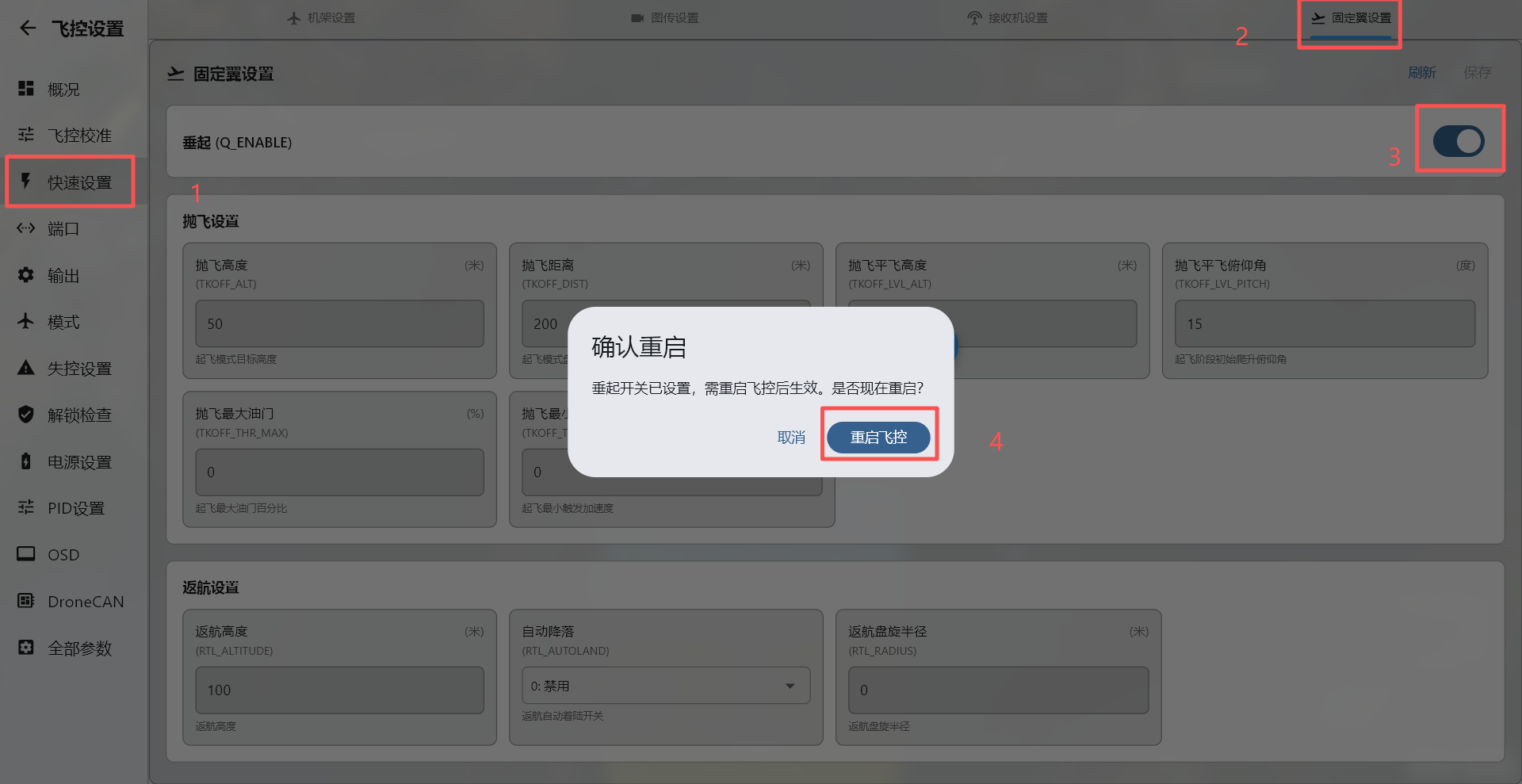
The ground station will then prompt you to reload the parameters. Completely power-cycle the flight controller, reconnect the ground station, and continue with the following changes: QFRAMECLASS=7
Multicopter frame class: Y3=7
QFRAMETYPE=1
Set the frame type to X; the value is normally 1.
QTILTENABLE=1
Enable tilt support. If it is disabled, the MASK and TYPE parameters below are unavailable. Set the value to 1.
The ground station will then prompt you to reload the parameters. Completely power-cycle the flight controller, reconnect the ground station, and continue with the following changes.
QTILTTYPE=2
Enable thrust-vector control: 0 = disabled, 1 = single tilt, 2 = vectored-thrust tilt. Set the value to 2.
QTILTMASK=3
The tilt-motor selection uses a bitmask value. Set the value to 3.
Flight Mode Setup
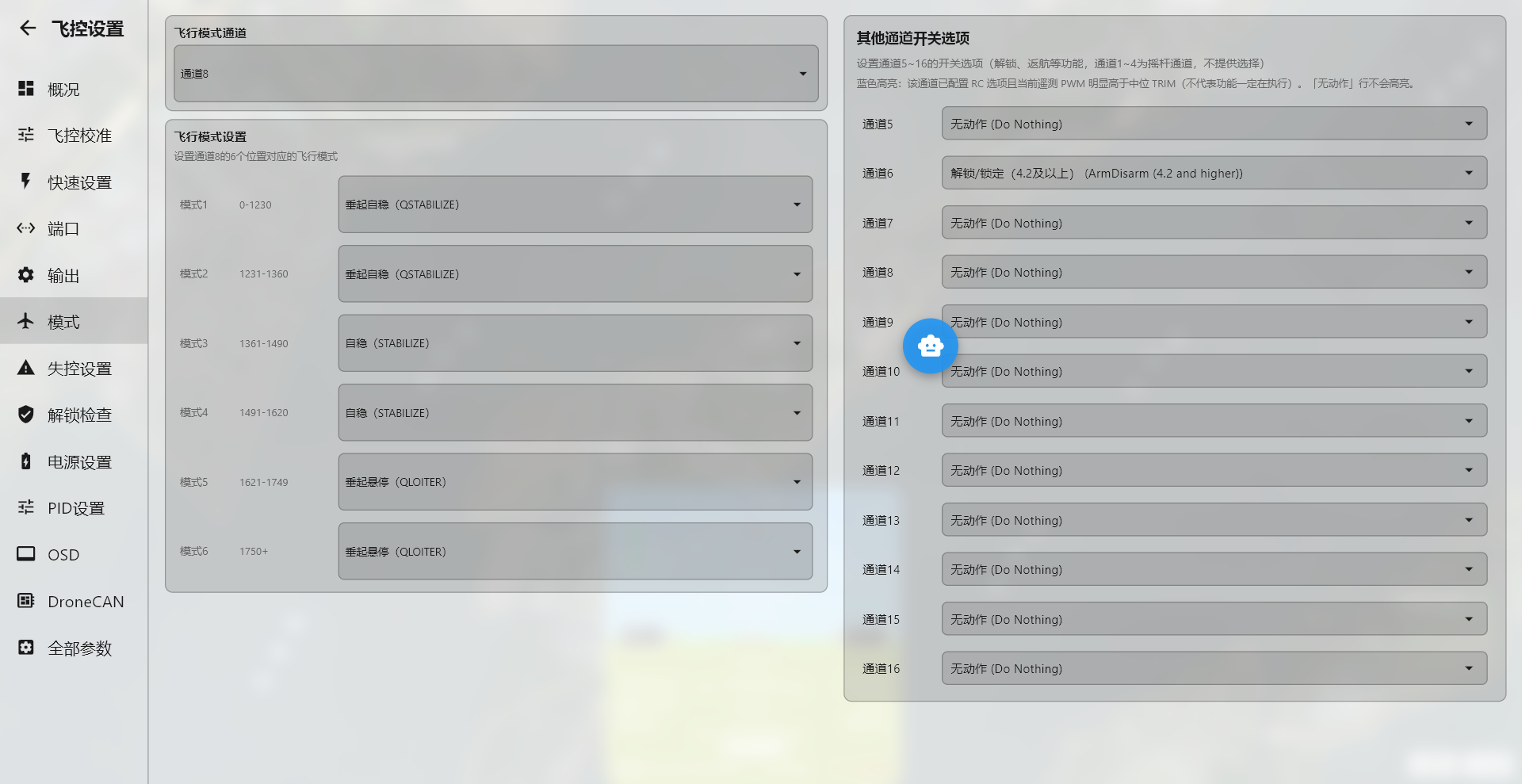
Open the flight mode settings and select the required modes from the drop-down menus according to your preferences. For initial tilt testing, we recommend configuring only VTOL Stabilize and fixed-wing Stabilize.
By default, flight modes are assigned to channel 8. If you use a three-position switch, set Flight Mode 1 and Flight Mode 2 to the same mode. The following flight mode configuration is provided for reference only.